
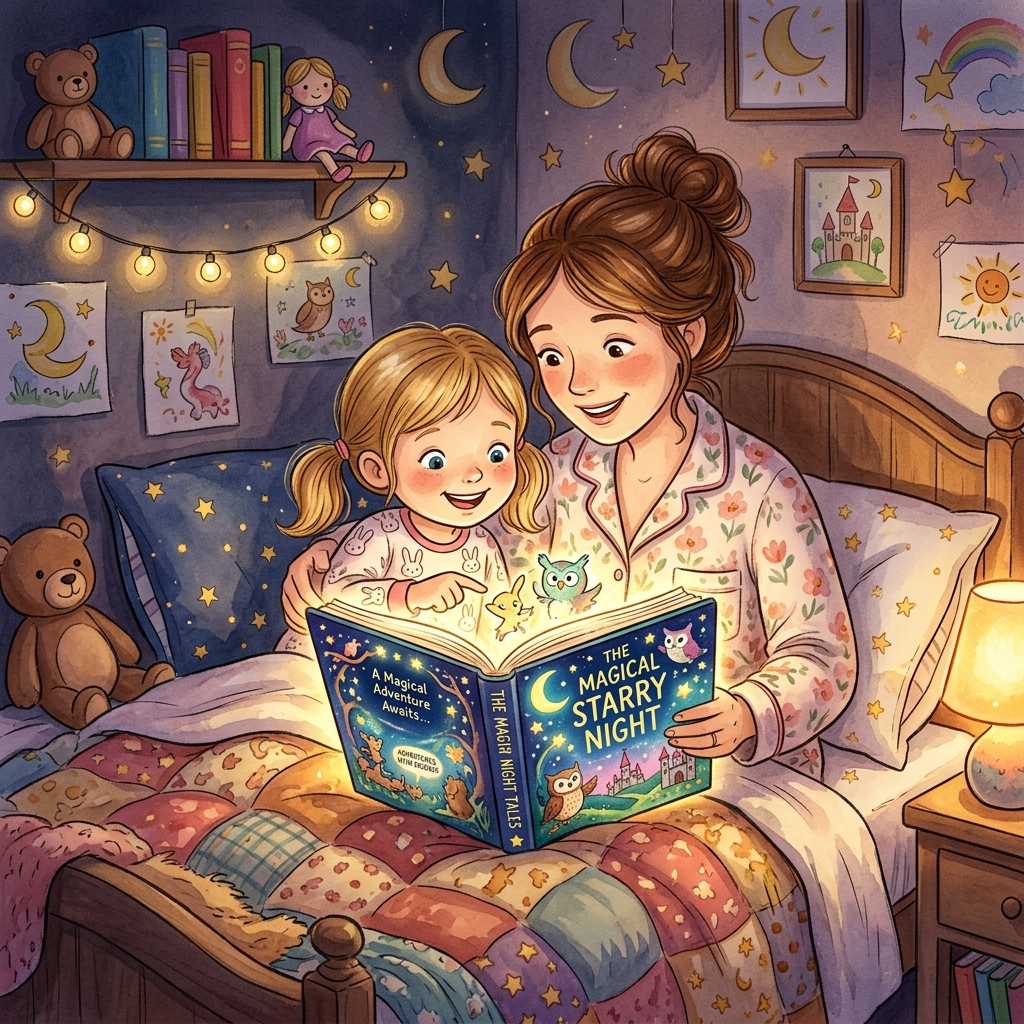
The Power of Visual Storytelling in Early Learning
For preschool and kindergarten children, stories are more than words on a page—they are worlds to explore. An ai story generator for kids bridges the gap between a child's active imagination and visual literacy. By putting picture-first content at the core of the creation process, parents can turn fleeting voice notes or crayon sketches into structured bedtime reading.
Early childhood is a critical phase for language acquisition and cognitive development. Traditional reading methods rely on static pre-printed books, which are excellent but sometimes fail to engage a child's highly specific daily interests. When a child asks, "What if a blue truck went to the moon?" or wants to read a story about their own teddy bear going on a picnic, pre-printed books cannot adapt. This is where AI-assisted storytelling changes the game. By allowing kids to become co-creators, we invite them to participate in the storytelling process, which significantly boosts their self-efficacy, comprehension, and vocabulary.
When choosing or using an AI story generator, keeping the narrative focused and visual is essential. Young minds process images far more rapidly than text characters. If a screen shows a wall of text, the child's attention immediately wanders. By matching a single, large, high-contrast illustration with one simple sentence per page, the child learns to map the sound of spoken words to visual elements, supporting early phonological awareness.
Here is a breakdown of how TaleHug structures stories compared to traditional AI tools:
| Feature | TaleHug Storybooks | Generic AI Writers |
|---|---|---|
| Primary Driver | High-quality illustrations first | Walls of generated text |
| Page Length | 4 to 10 pages (perfect for bedtime) | Single long page or chapters |
| User Inputs | Voice notes, child drawings, simple prompts | Complex text instruction |
| Sharing Model | Private drafts & parent-approved circles | Public by default or private only |
| Safety Guardrails | Strict moderation of text and images | No inherent child-safe filtering |
| Billing Security | Shared passcodes for classrooms | Direct credit card prompts only |
Start from a Child's Spark: Voice and Drawing Inputs
The best stories don't start with a blank text field. They start with a child's raw, unprompted ideas. A child might say, "What if the wind was a friendly giant who lost his hat?" or draw a green dragon with three wings. A traditional AI platform requires complex, detailed textual instructions to produce a cohesive result. This creates a technical barrier that excludes the child from the creative loop.
TaleHug bypasses this barrier by supporting voice transcriptions and drawing references. This setup transforms story creation into an interactive family game:
- Speak the Idea: The child taps the microphone button and speaks their idea. The system transcribes the speech, automatically filtering out pauses, background noise, and filler words to capture the core creative concept.
- Upload a Drawing: If the child has drawn a character, the parent can snap a photo and upload it. The image-to-image model treats the sketch as a layout anchor, preserving the character's key color scheme and structural shape while upgrading it to a premium storybook illustration.
- Generate and Refine: The system processes the input and builds a private storybook draft. The parent can then review the draft, modify the text, regenerate any page images that do not fit the narrative, or reorder the pages to ensure a smooth flow.
This collaborative pipeline teaches children that their thoughts, spoken words, and drawings have tangible value. It models the creative process as a series of steps: ideation, drafting, reviewing, and publishing.
Keeping Bedtime Calm and Safe
Bedtime is a sensitive transition period. The primary goal of a bedtime story is to help a child wind down, reduce cognitive stimulation, and prepare for sleep. Many generic AI writing tools generate high-stakes conflicts, scary monsters, or fast-paced action sequences that can cause anxiety. A dedicated ai story generator for kids must actively steer narratives toward lower-conflict plots, repetition, and calming resolutions.
TaleHug achieves this by grounding its prompt models in gentle themes. Instead of battles or ticking clocks, stories center around social-emotional learning goals:
- A classroom red truck learning to share and take turns with other vehicles.
- A brave backpack conquering first-day school morning jitters.
- A tiny garden dragon learning how to ask a friendly squirrel for help.
- A shy cloud finding its voice during circle time.
These stories feature soothing imagery—soft watercolors, gentle pastel tones, and warm lighting—and utilize repetitive phrases that act as rhythmic anchors for young listeners.
In addition to narrative safety, data privacy is paramount. TaleHug enforces a strict privacy policy:
- Private Drafts: All newly generated books are kept completely private to the creator's account.
- Circle Sharing: Restricts views to approved members, such as grandparents or classmates. This ensures kids can share their creations without being exposed to public web search indexing or unmoderated comment sections.
- Public Gallery Moderation: Stories submitted to the Public Gallery are reviewed by human moderators. Any submissions containing real-world names, locations, schools, or faces are rejected to protect child safety.
A Reusable Bedtime Prompt Template
To help you get the most out of TaleHug, we have designed a prompt template that consistently yields high-quality, bedtime-appropriate results. You can customize the bracketed fields:
Create a gentle, visual-first bedtime storybook for a [age, e.g., 4-year-old] child. The main character is [character, e.g., a little white bunny named Pip]. The story begins when Pip [small moment, e.g., loses his favorite glowing star toy]. The mood should feel calm, warm, and reassuring. Keep the plot simple, focusing on a journey to [small goal, e.g., ask the moon rabbit for help]. Every page must contain one large, soft illustration in a watercolor style and exactly one short sentence of text at the bottom. End the story with a quiet, satisfying bedside resolution.
Troubleshooting Your Generations
Sometimes, AI-generated images or text may deviate from your expectations. Here are some quick troubleshooting tips to keep the process fun and smooth:
- Character Consistency: If the main character looks different from page to page, try adding specific physical tags in your prompts (e.g., "Pip the white bunny with a blue collar").
- Text is Too Long: If the generator creates long paragraphs, use the text editor to prune sentences down to a single line. This helps maintain a fast-paced, page-turning rhythm that matches young children's attention spans.
- Image is Too Stimulating: If an illustration feels too bright or busy for bedtime, regenerate it using art style tags like "pastel watercolor background, minimalist illustration, soft lighting."