
picture story generator
Picture Story Generator
Make visual-first stories from written prompts and uploaded drawings using a child-safe AI storybook workflow.
Why it works
Picture Story Generator that stays practical
Each page keeps one primary keyword while explaining how TaleHug turns ideas into safe illustrated stories.
Picture-first output
picture story generator pages work best when images lead the reading experience. TaleHug keeps each story visual, short, and easy to follow.
Built around child-safe inputs
Families can start from a written prompt or drawing while keeping public sharing separate from private drafts.
Clear next step
The landing page connects search intent to the creator, so readers can move from researching picture story generator to making a storybook.
Images do the heavy lifting
For children who do not read much yet, this picture story generator plans each page as a strong picture with one simple line.
Reusable classroom themes
Teachers and parents can start from sharing, routines, feelings, confidence, or family-memory prompts.
Related searches
Explore related AI story tools
Move through the TaleHug story generator cluster by format, reader age, and use case.
Practical guide
Learn the picture story generator workflow
Use a focused TaleHug guide to plan the story, pictures, and child-safe review before you create.
Use cases
When to use picture story generator
Start a co-reading session
Use it when a child has one small idea and you want a short illustrated story for reading together.
Turn a drawing into a story
Upload a drawing reference, then shape the result into a page-by-page storybook with simple text.
Keep sharing parent-guided
Draft privately first, then decide whether the story belongs in a trusted circle or the approved public gallery.
Examples
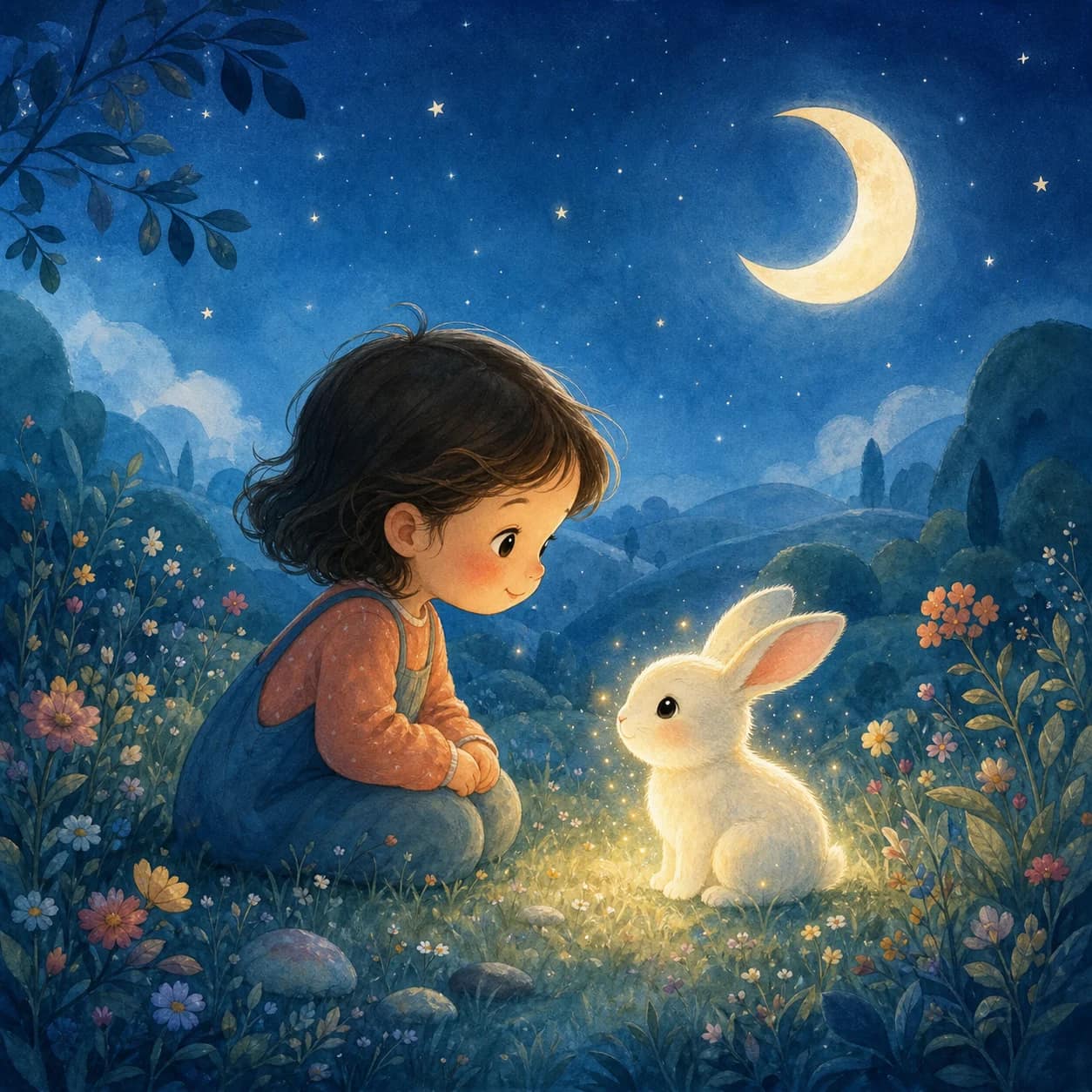
Approved public picture stories
FAQ
Picture Story Generator questions
What is picture story generator?
In TaleHug, picture story generator means a child-friendly workflow that turns a written prompt or drawing into a short illustrated storybook.
Is TaleHug only for finished stories?
No. TaleHug is designed for drafts first. Families can start with a rough idea, generate a cover and story preview, then keep editing.
How does sharing stay safer for children?
Storybooks are private by default. Circle and public sharing are separate choices, and public examples avoid real child names, schools, contact details, and unsafe content.
Start creating
Try picture story generator with TaleHug
Start with one written idea or drawing. TaleHug keeps the story visual, short, and ready for parent-guided sharing.